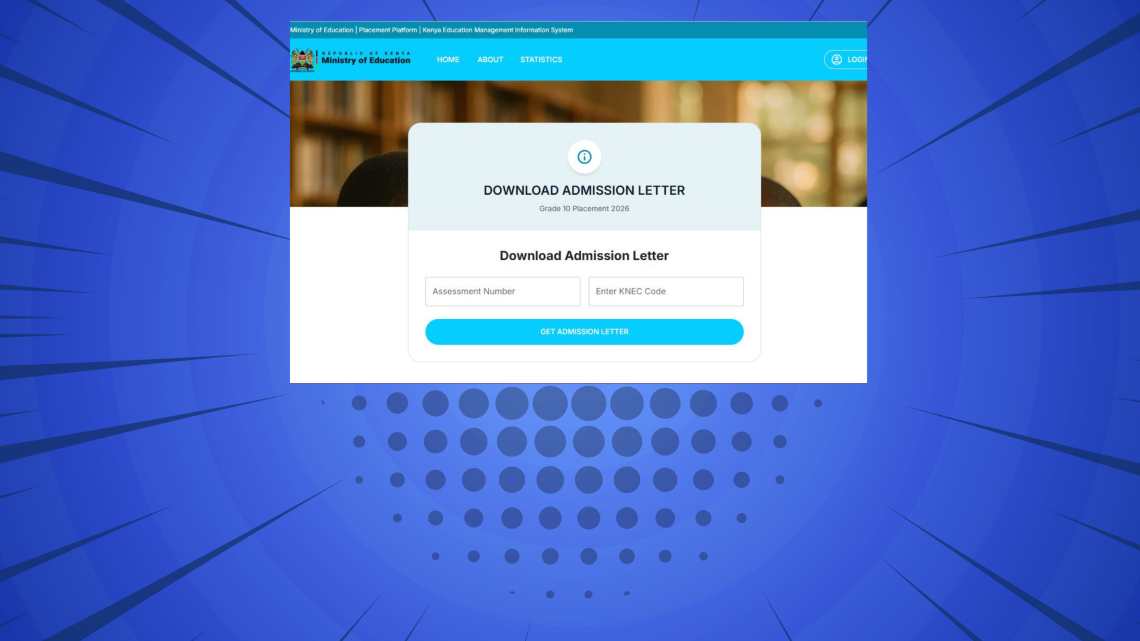
Disclaimer
This tutorial on How To Download Grade 10 Admission Letter is an independent step-by-step guide by Tutorials Kenya. We are not affiliated with or endorsed by Kenya National Examinations Council (KNEC) or any government agency in Kenya. This step-by-step tutorial is for informational and educational purposes only.
Downloading the Grade 10 admission letter is an important step for candidates transitioning to senior secondary school under the Competency Based Curriculum (CBC). The admission letter confirms a learner’s placement and provides essential details such as the school name, reporting date, fees structure, school items and admission instructions. Parents and guardians are advised to download and review this document early to ensure adequate preparation before the reporting date.
READ ALSO: How To Check Grade 10 Placement Results
The Grade 10 admission letter is issued through the official Kenya National Examinations Council (KNEC) Grade 10 placement platform. Access to the Grade 10 admission letter is strictly system based, meaning candidates must have the correct credentials to download Grade 10 admission letters online. Without the required details, the system will not display the admission information.
Requirements Needed To Download Grade 10 Admission Letter
1. Assessment Number
To successfully download the Grade 10 admission letter 2026, you must have the learner’s Assessment Number. This is a unique identifier issued to every learner under the Competency Based Curriculum (CBC) and is used to retrieve the learner’s placement and admission details from the system. The Assessment Number must be entered exactly as issued, as any mismatch will prevent access to the admission letter.
2. KNEC School Code
In addition, you will need the KNEC School Code. The KNEC Code identifies the school or examination centre where the learner was registered with the Kenya National Examinations Council. This code links the learner to their registered institution and is required to complete the verification process when downloading the Grade 10 admission letter.
This step-by-step guide explains how to download the Grade 10 admission letter online using the official KNEC platforms. The guide is intended to help parents, guardians, and candidates complete the process correctly and efficiently, ensuring that all required documents are ready before school reporting.
How To Download Grade 10 Admission Letter
Step 1: Visit Grade 10 School Placement Platform

Open a web browser on your phone, tablet, or computer and visit the official Ministry of Education Grade 10 School Placement Platform at https://placement.education.go.ke/. Ensure that you have a stable internet connection to avoid interruptions during the process.
Step 2: Click Download Letter

Once the website loads, carefully navigate the homepage and click on the Download Letter option. This link will redirect you to the section where Grade 10 admission letters are accessed.
Step 3: Enter Assessment Number
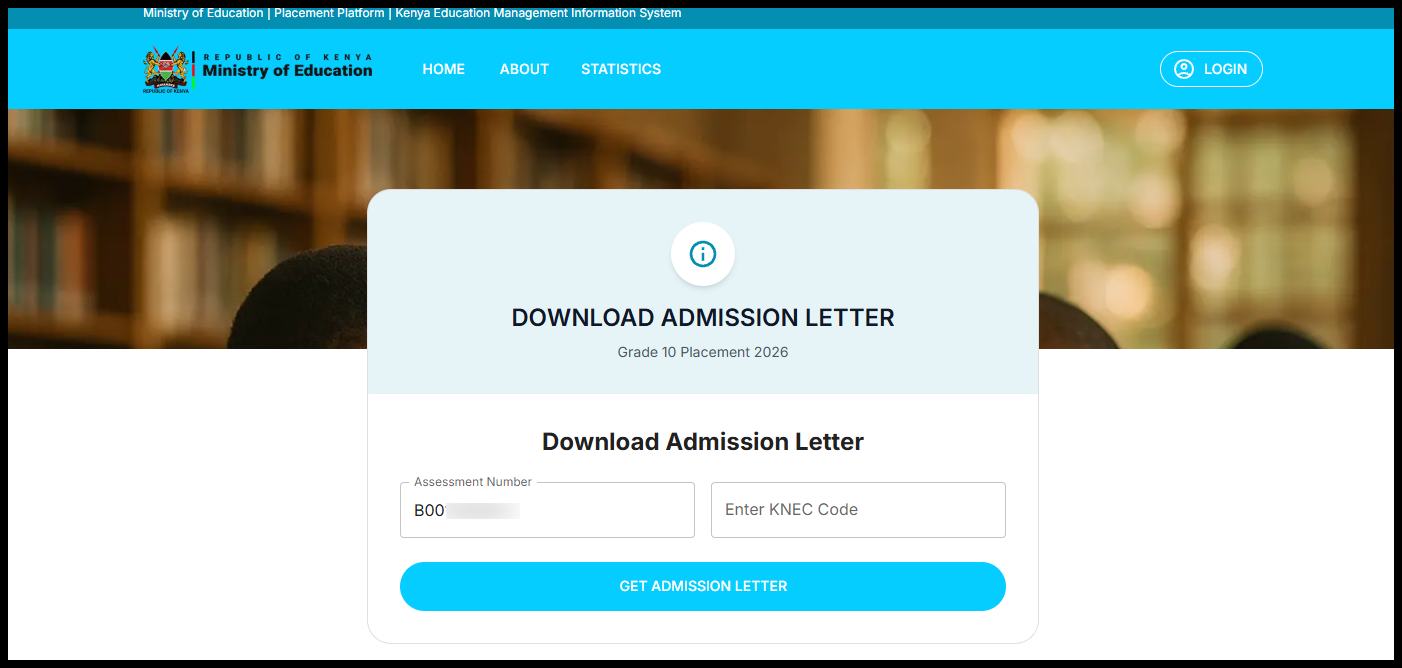
On the admission letter page, enter the learner’s Assessment Number in the required field. The Assessment Number must be typed exactly as issued under the Competency-Based Curriculum (CBC), without extra spaces or incorrect characters.
Step 4: Enter KNEC School Code
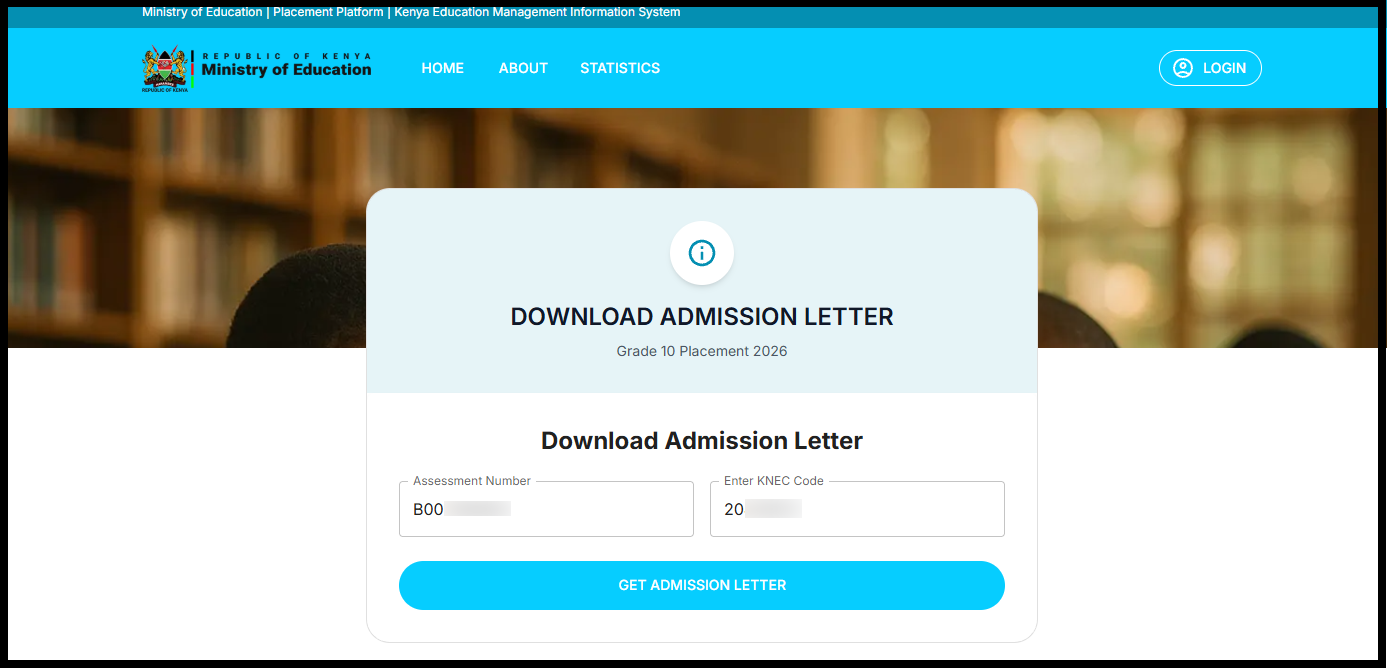
Next, enter the KNEC School Code for the school or examination centre where the learner was registered. This code is used by the system to verify the learner’s registration and placement details. You can check the KNEC Code on the 2025 KJSEA Results Portal at https://kjsea.knec.ac.ke/.
Step 5: Click Get Admission Letter
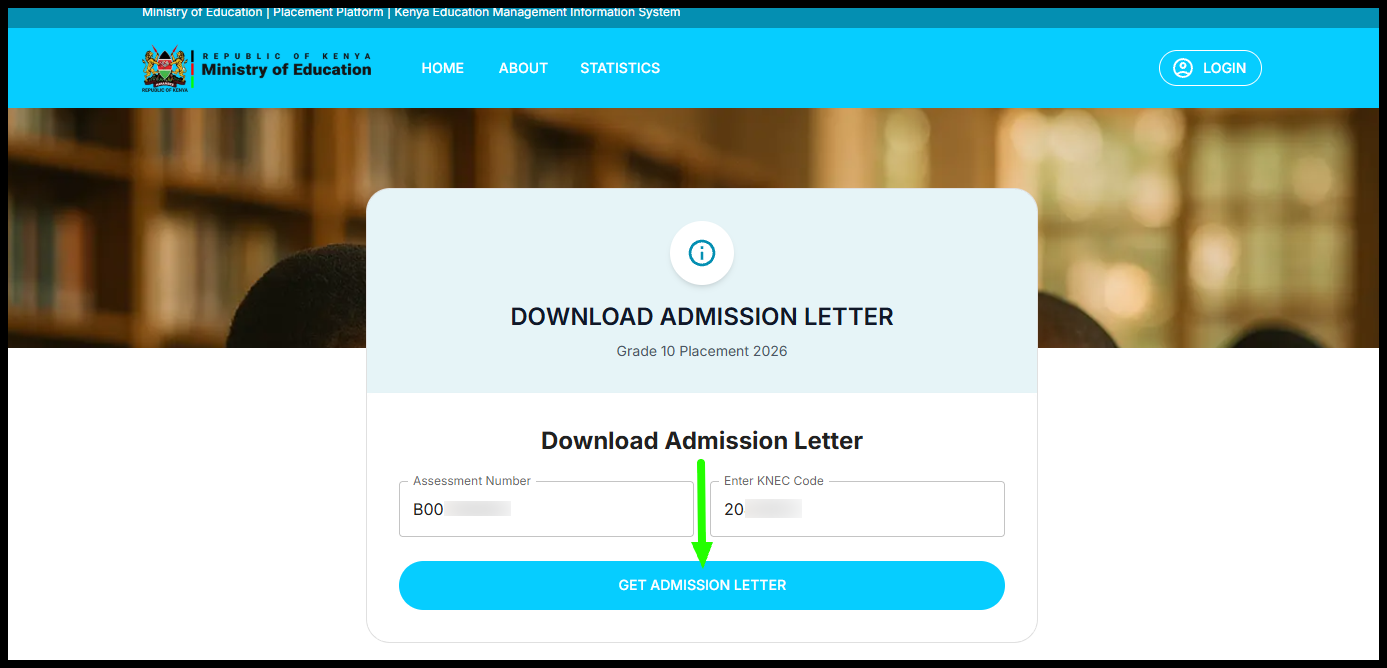
After confirming that both the Assessment Number and Junior School KNEC Code are correct, click on the Get Admission Letter button. The system will then process the information and display the Grade 10 admission letter on the screen.
Step 6: Download and Print Grade 10 Admission Letter 2026
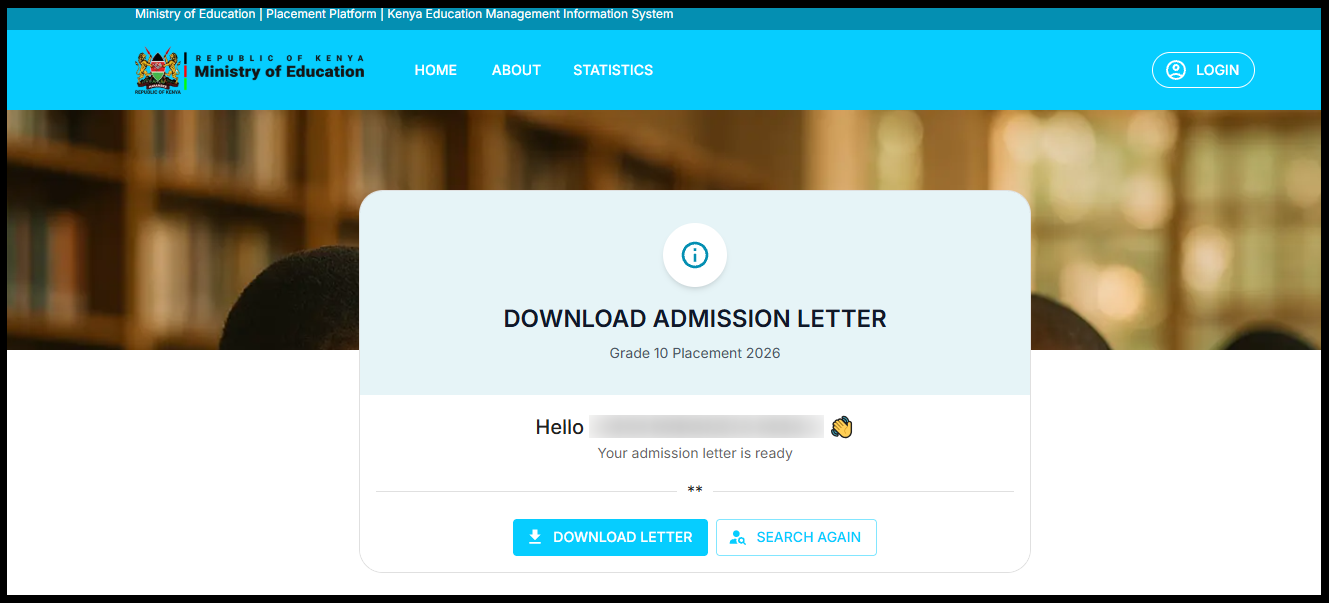
Once the admission letter is displayed, download the document to your device and print a copy. Click on the Download Letter button and this will download the Grade 10 Placement Admission Letter 2026.
The printed Grade 10 Placement 2026 Admission Letter is supposed to filled with the student data, details of school fees payments and required items that the student will report to the Senior School with on 12th January, 2026.
Grade 10 Admission Letter 2026
Downloading the Grade 10 admission letter is a crucial final step in confirming a learner’s placement under the Competency-Based Curriculum. By ensuring you have the correct Assessment Number and KNEC School Code, the process can be completed smoothly through the official Ministry of Education placement portal without delays or errors.
READ ALSO: How To Check 2025 KJSEA Results
Parents and guardians are advised to download and print the admission letter early, carefully review the reporting instructions, and keep the document safe. Proper preparation ensures a smooth transition to Grade 10 and helps learners report to their assigned schools fully informed and ready to begin the next stage of their education.

Tutorials Kenya publishes clear step-by-step tutorials designed to help Kenyans understand online processes. Our step-by-step tutorials are written in very simple language to make online processes easier for all Kenyans.