Disclaimer
This tutorial on How To Download Latest P10 Return Simplified Version is an independent step-by-step guide by Tutorials Kenya. We are not affiliated with or endorsed by Kenya Revenue Authority (KRA) or any government agency in Kenya. This step-by-step tutorial is for informational and educational purposes only.
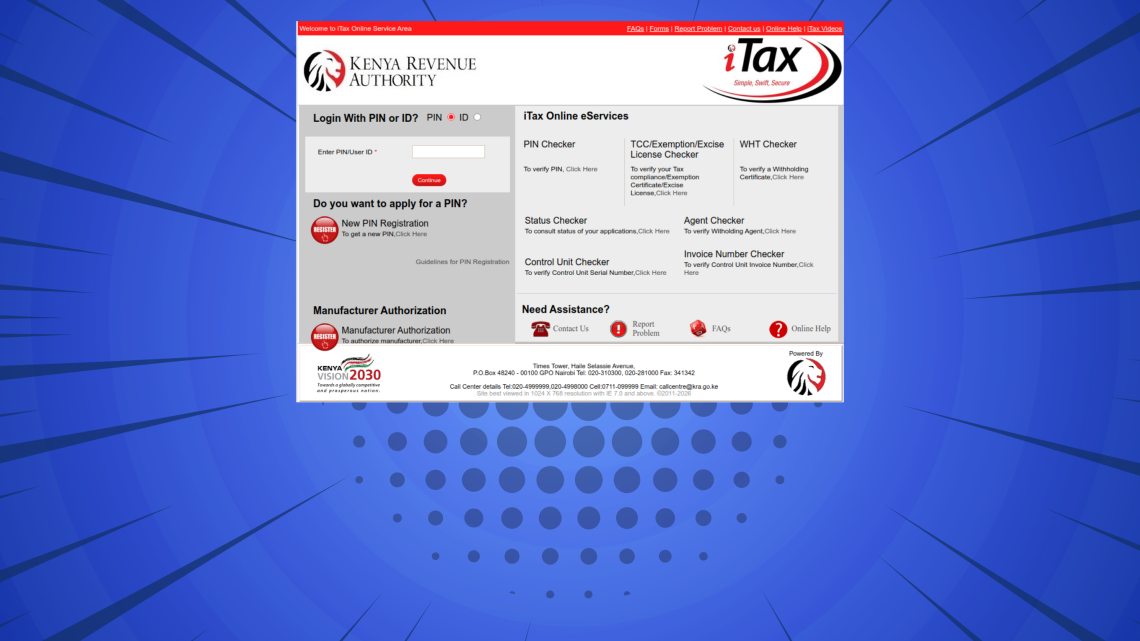
When filing PAYE returns on iTax, some taxpayers encounter the error message “Kindly use the simplified PAYE return template for tax periods from 01/09/2025.” This error occurs when an outdated P10 return template is used for the affected tax periods.
READ ALSO: How To Register on QMIS KNEC System
The solution is to download and use the latest P10 Return Simplified Version 30.0.2 provided by KRA. This updated template is available on the KRA website and is required to successfully prepare and upload PAYE returns for periods from September 2025 onwards.
Submit Service Request
Waiting Duration: 5 minutes
You will receive your:
- KRA PIN Number
- KRA PIN Certificate
Via: Email Address and WhatsApp
How To Download Latest P10 Return Simplified Version
Follow the steps below to download Latest P10 Return Simplified Version 30.0.2 and file your PAYE returns on iTax (KRA Portal) smoothly.
-
Step 1: Visit KRA Website

The first step in the process of downloading the latest P10 Return Simplified Version 30.0.2 is to visit KRA website using this link – https://www.kra.go.ke/
-
Step 2: Click on Publications

Once you are on the KRA website, on the top menu, click on “Publications” to begin the process of P10 Return Simplified Version 30.0.2 download.
-
Step 3: Search for P10 Return Simplified Version 30.0.2
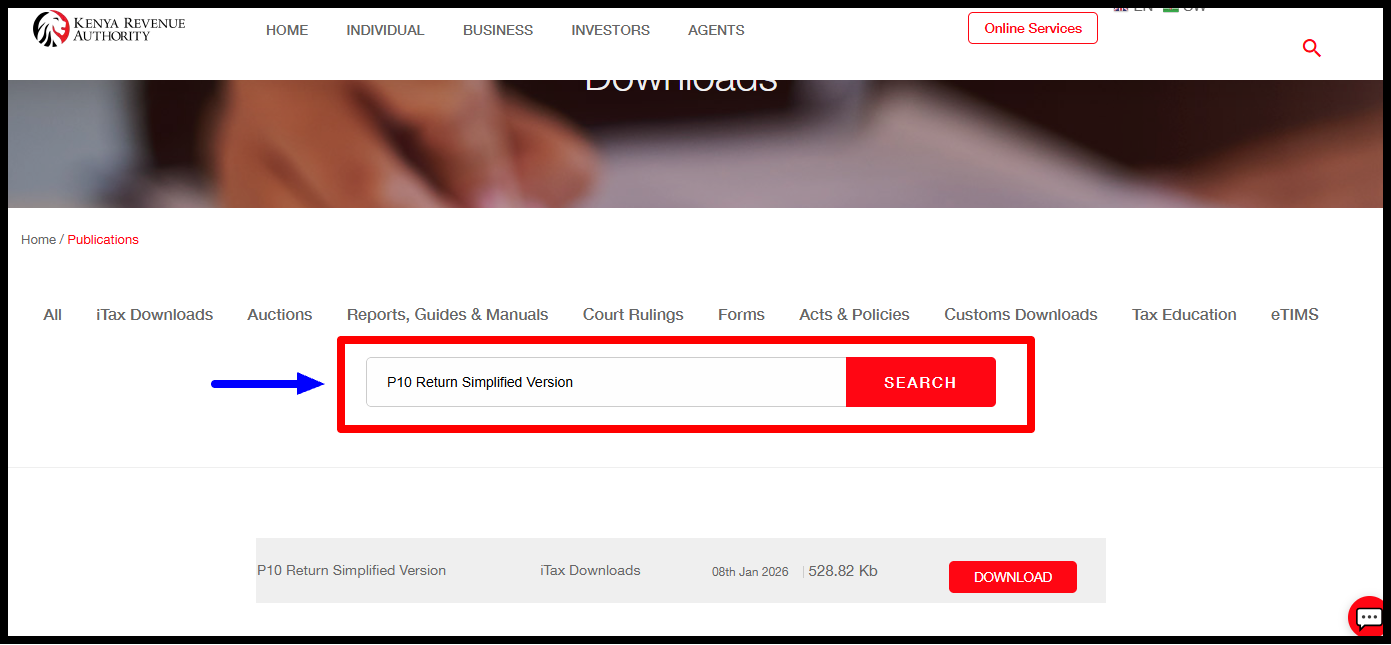
Next, on the Publications page, search for “P10 Return Simplified Version” and click on it. Alternative, under Publications, you will see “P10 Return Simplified Version” as the latest file.
-
Step 4: Download P10 Return Simplified Version 30.0.2
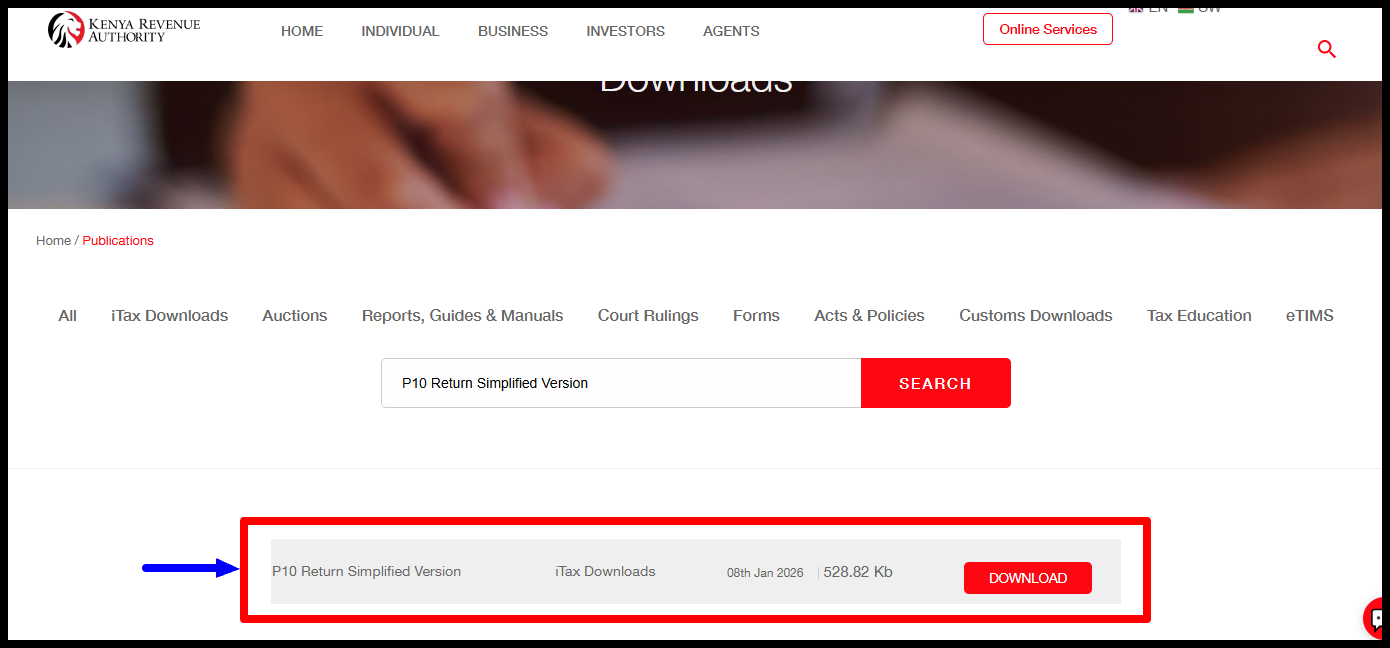
Click on “P10 Return Simplified Version” to download a copy of the same to your device. After download, you can now fill in the required details and upload the same on iTax (KRA Portal).
Download – P10 Return Simplified Version 30.0.2 (Latest version as at 08/01/2026)
Submit Service Request
Waiting Duration: 5 minutes
You will receive your:
- KRA PIN Number
- KRA PIN Certificate
Via: Email Address and WhatsApp
Once you have downloaded the P10 Return Simplified Version 30.0.2, ensure you complete it accurately with the correct PAYE details before uploading it on the iTax portal. Using the correct template helps prevent validation errors and ensures your return is accepted without delays.
READ ALSO: How To Verify Mobile Number on iTax
Always confirm that you are using the most recent P10 template provided by KRA, especially when filing returns for new tax periods. Keeping your templates up to date will make PAYE filing smoother and help you remain compliant with KRA requirements.

Tutorials Kenya publishes clear step-by-step tutorials designed to help Kenyans understand online processes. Our step-by-step tutorials are written in very simple language to make online processes easier for all Kenyans.